How to Book an LTO Appointment Online (2026)
Short answer: You book an LTO appointment inside your LTMS portal account (portal.lto.gov.ph) by choosing your transaction, branch, date, and time. The system sends you a confirmation with a reference number by email/SMS — bring it (plus your documents and ID) on your appointment day. Appointments are available for most licensing and vehicle registration transactions and can turn a multi-hour queue into a short visit.
Last verified: October 2026. The LTMS portal interface changes — confirm current steps on lto.gov.ph.
Do You Actually Need an Appointment?
- Appointments help most for driver’s license renewals, student permits, new license applications, and vehicle registration renewals at busy district offices.
- Some renewals can be completed fully online through LTMS or eGovPH with no office visit at all — see our license renewal guide.
- Walk-ins are still accepted at most offices, but you’ll queue for a number and wait — booked appointments are generally served much faster.
If your transaction requires an in-person visit anyway, booking is free and usually worth the few minutes it takes.
How to Book an LTO Appointment Online
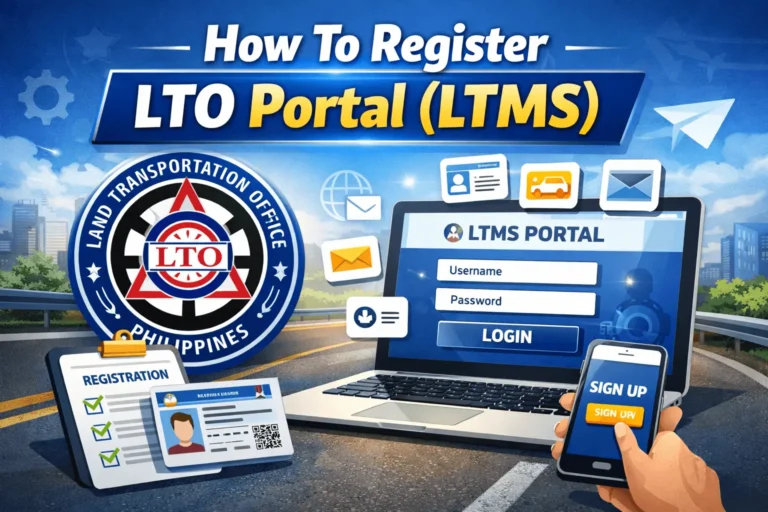
- Log in to the LTMS portal (portal.lto.gov.ph) with your 15-digit LTO client number and password. No account yet? See our LTO portal login guide.
- Open the appointment section on your dashboard.
- Select your transaction type — e.g., driver’s license renewal, student permit, vehicle registration renewal.
- Fill in the application details. Most fields pull automatically from your LTMS profile; attach or confirm your certificates (CDE, medical, etc.) if required for your transaction.
- Choose your preferred LTO branch from the available list.
- Pick an available date and time slot shown by the system.
- Complete payment if your transaction requires it (some transactions are paid online; others are paid at the office — follow the on-screen instructions).
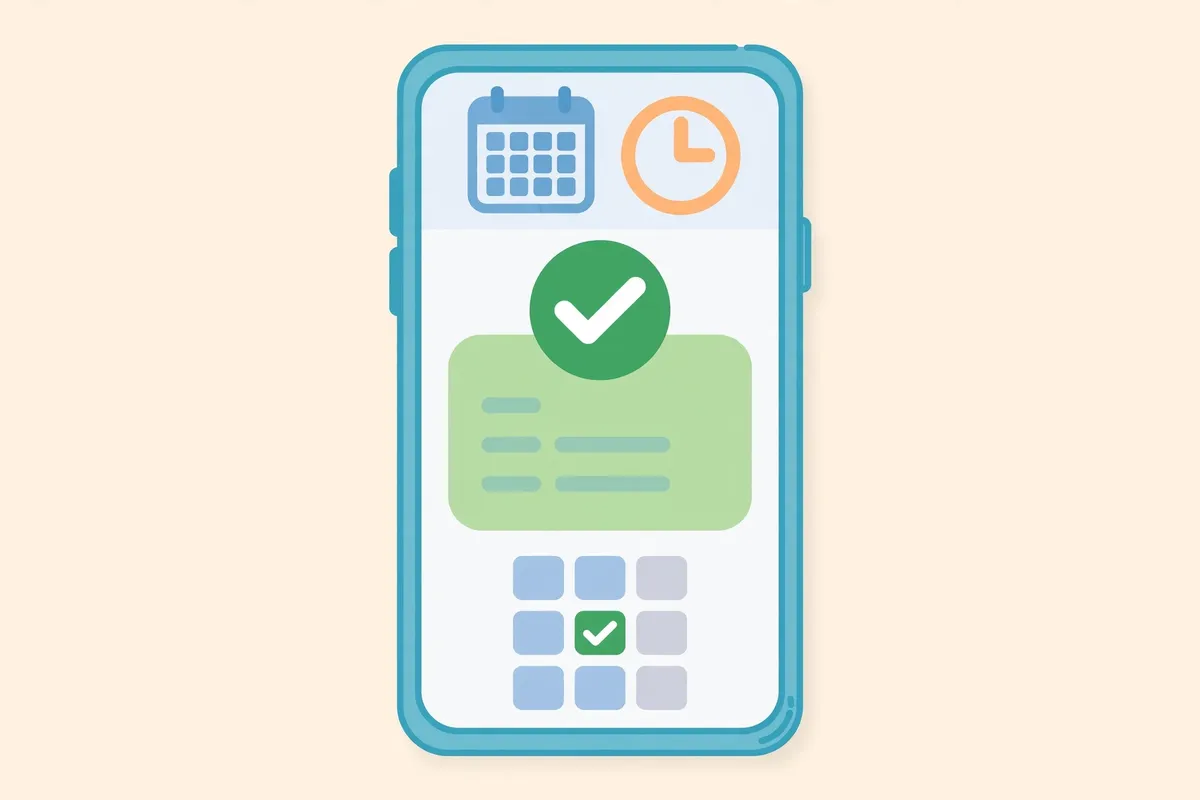
- Save your confirmation — it includes your appointment code, branch, date, time, and transaction type. Keep the email/SMS and screenshot the reference number.
What to Bring on Appointment Day
- Your appointment reference number (printed or on your phone).
- All required documents for your transaction — the exact checklist varies; check the relevant guide on this site (renewal, student permit).
- One valid government-issued ID.
- Payment method if any fee is due at the office.
- Follow the LTO dress code: no shorts, sleeveless shirts, or slippers.
Arrive early — at least 15–30 minutes before your slot. Offices process appointments in order, and late arrivals can be bumped.
Which LTO Office Should You Book?
- Full district offices handle the widest range of transactions (licensing + registration + transfers).
- Licensing centers and DLROs (Driver’s License Renewal Offices) are optimized for license transactions — often faster for renewals.
- Mall-based satellite offices handle renewals and simple transactions, usually with shorter queues.
For specialized transactions like transfer of ownership, confirm the office handles them before booking.
Not sure which office to pick? Use our tool to find your LTO office.
What If You Miss Your Appointment?
- Don’t just show up the next day and expect the slot to hold — missed appointments generally don’t carry over.
- Rebook a new appointment through the LTMS portal.
- Check the confirmation email/SMS for any reschedule or cancellation option before your original date.
- If you already paid online for the transaction, keep your payment reference — you may be able to use it for the rebooked slot. Confirm with the LTO if the payment is tied to the appointment or to the transaction.
Booking an Appointment for Someone Else
Each LTMS account schedules for its own record holder. If you’re helping a relative, they log in to their own LTMS account to book — or the LTO may accept a Special Power of Attorney from them authorizing you to transact on their behalf. Never share your LTMS password with anyone offering to “book for you.”
Fixers and “Appointment Sellers”: A Warning
The LTMS appointment system is free. Anyone selling “guaranteed appointment slots” or offering to “expedite” your slot for a fee is a fixer — they have no real power over the portal and may just take your money (or your personal details). Book only through portal.lto.gov.ph or the eGovPH app.
Frequently Asked Questions
Is booking an LTO appointment free?
Yes — the appointment system itself is free. Fees for your actual transaction (renewal, registration, etc.) are separate and set by the LTO.
Can I book an appointment without an LTMS account?
No. You need an LTMS portal account with your license or vehicle records linked to schedule an appointment.
How early should I arrive for my appointment?
Aim for 15–30 minutes early. Offices process appointments in order, and late arrivals risk losing their slot.
Can I reschedule my LTO appointment?
Check your confirmation email/SMS for reschedule options. If none is available, book a new appointment through the portal.
Which transactions can I do without visiting an office?
Some license renewals can be completed fully online through LTMS or eGovPH, including a digital driver’s license. Transactions needing biometrics, physical inspection, or new card issuance still require a visit.
Do walk-ins still work at LTO offices?
Yes, but expect longer waits. At busy offices a booked appointment is strongly recommended.
Written by Joseph
Joseph covers LTO guides and helps Filipino motorists navigate LTMS online services — from portal registration and plate tracking to renewals and violations. Every guide is researched against official LTO and MMDA sources and updated regularly.
2 Comments